Inspect
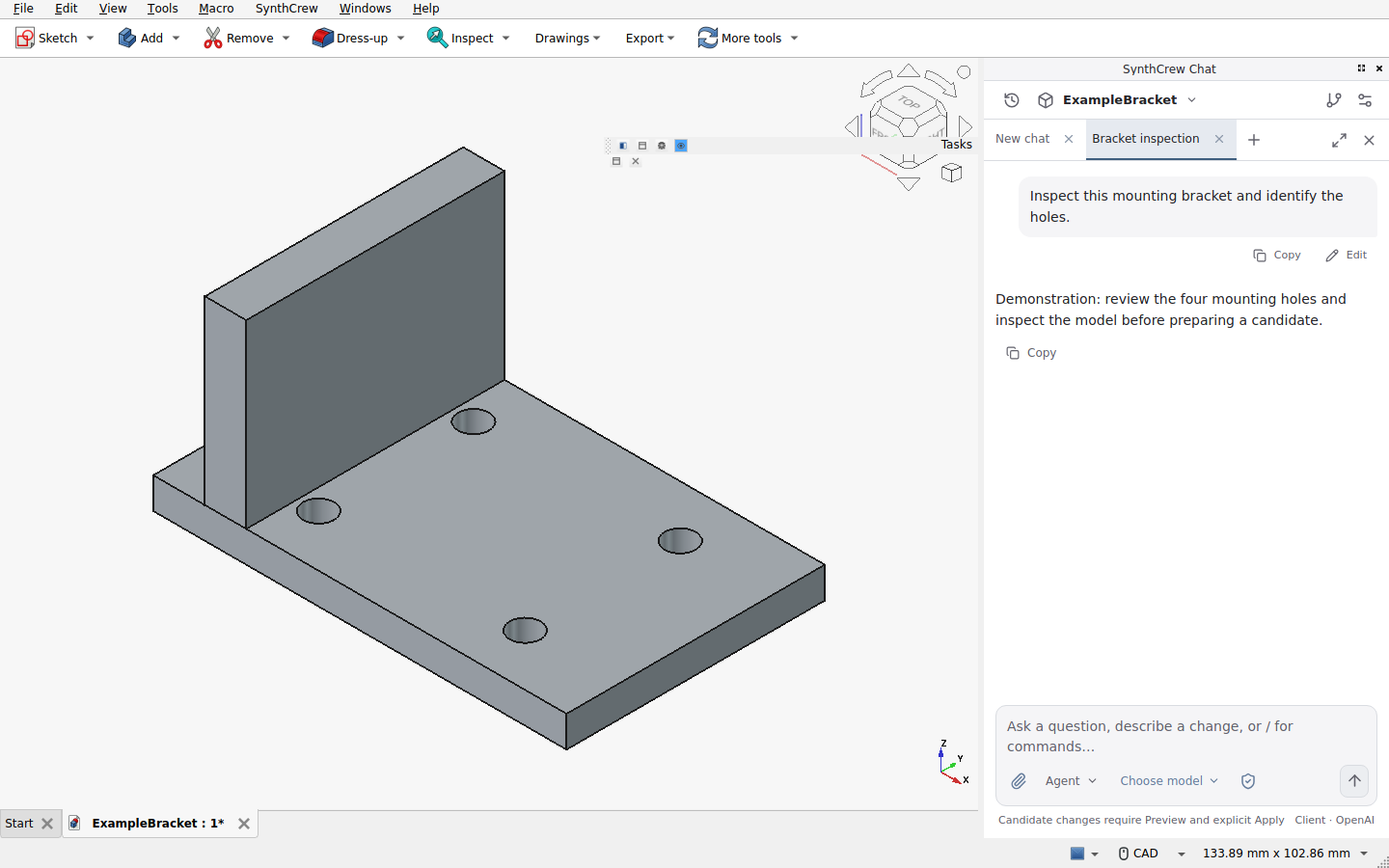
Bring a project into view. Ask a question and inspect the context and recorded activity behind the response.
 SynthCrew
A WORKSPACE FOR MECHANICAL ENGINEERING
Bring CAD and an AI conversation together. Explore changes in a candidate, inspect the work, and decide what reaches your original.
Client downloads, paid access and public AI are not yet open.
THE WORKFLOW / 01—04
The conversation stays close to the work. The decision stays with you.
Bring a project into view. Ask a question and inspect the context and recorded activity behind the response.
Explore a change in an isolated candidate. Candidate promotion happens only after Apply.
Open the candidate and examine the changed files and the design. A preview is not an engineering certification.
Make the decision yourself. Apply is explicit; changed originals and stale candidates need your attention.
BUILT AROUND REVIEW
Inspect a candidate alongside your engineering work. Review changed files and open a FreeCAD copy before you choose whether to apply.
How review and Apply work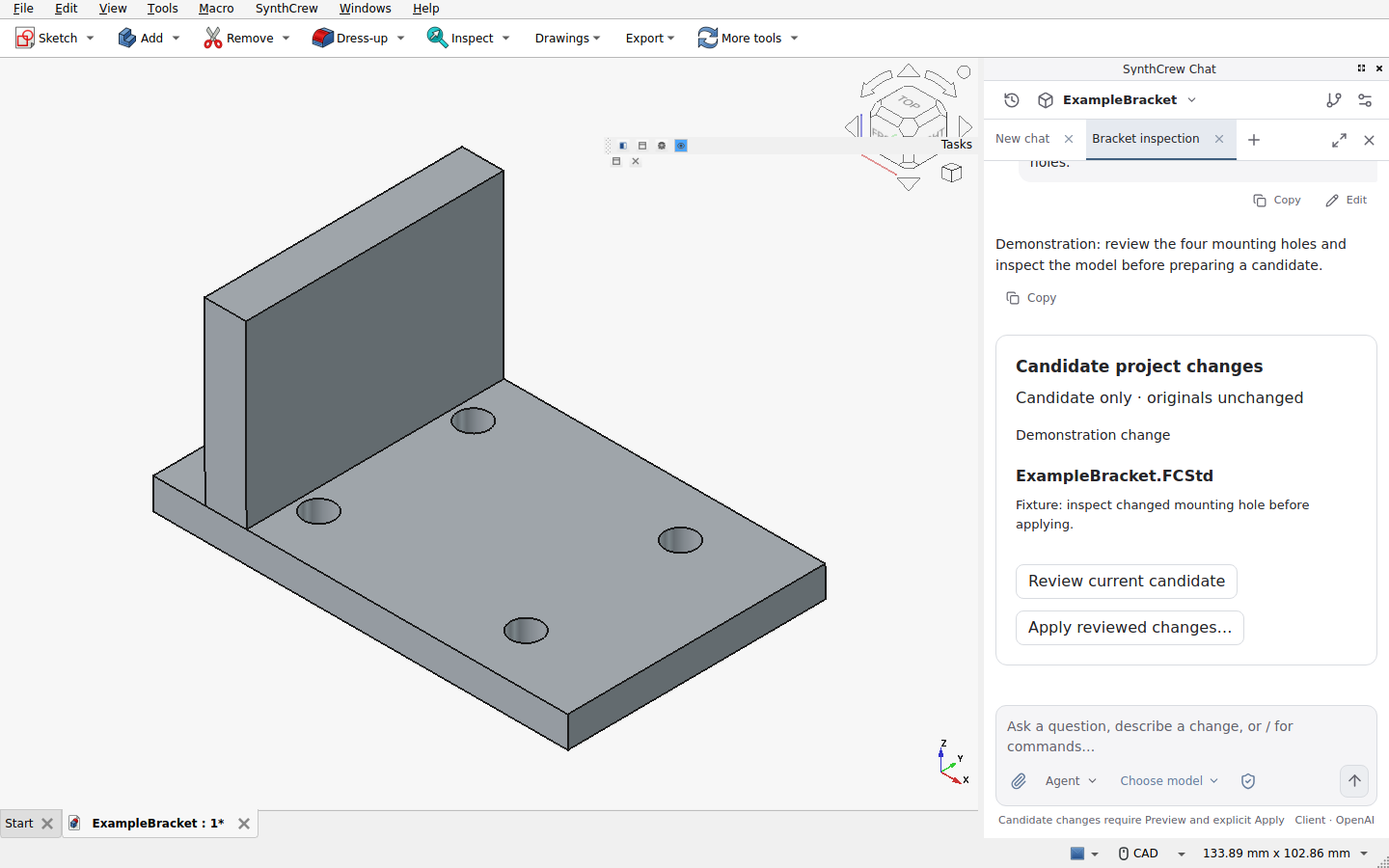
CLEAR BOUNDARIES
AI can be wrong. Plan is read-only; candidate promotion requires review and explicit Apply. Full access permits broad tool access outside the candidate. Independently verify engineering requirements; SynthCrew does not certify design safety.
Read security and limitationsSTART WITH THE WORKFLOW