
SynthCrew
Engineering work you can inspect
A native CAD workspace with an agent beside it—not a replacement for your engineering judgment.
A question starts the work. Review decides what stays.
SynthCrew brings your engineering model, project context and AI conversation into one desktop workspace. An engineer can inspect an existing design, prepare a candidate change and decide what reaches the original project.
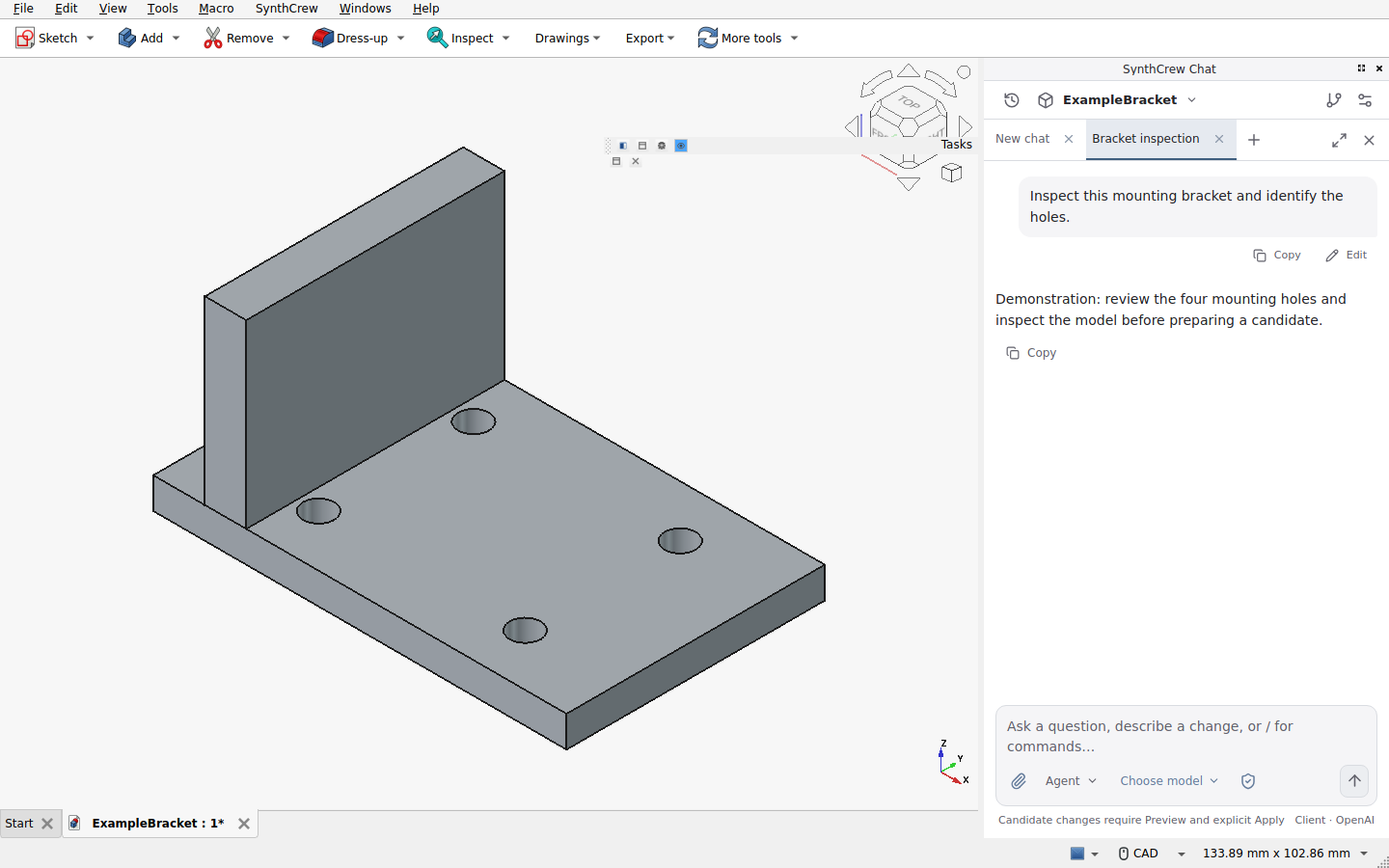
Follow the whole change
- Input: open the intended project and save the original. Confirm which document and project the conversation is using.
- Request: ask for an inspection, or describe dimensions, constraints and acceptance checks for a proposed change. Plan discusses the work without applying CAD modifications.
- Candidate: Agent work belongs in an isolated candidate workspace. Read recorded actions and inspect the files it actually produced. A summary is not evidence that geometry is correct.
- Review: use Preview to inspect the current candidate and open its CAD copy. Check dimensions, feature relationships and the changed-file list. Re-review if the candidate changed after Preview.
- Apply: explicitly confirm promotion. Conflicts, dirty documents and changed originals must be resolved rather than silently overwritten.
- Validate: open the applied result and recompute it. Check geometry, units, requirements and any downstream manufacturing or simulation outputs independently.
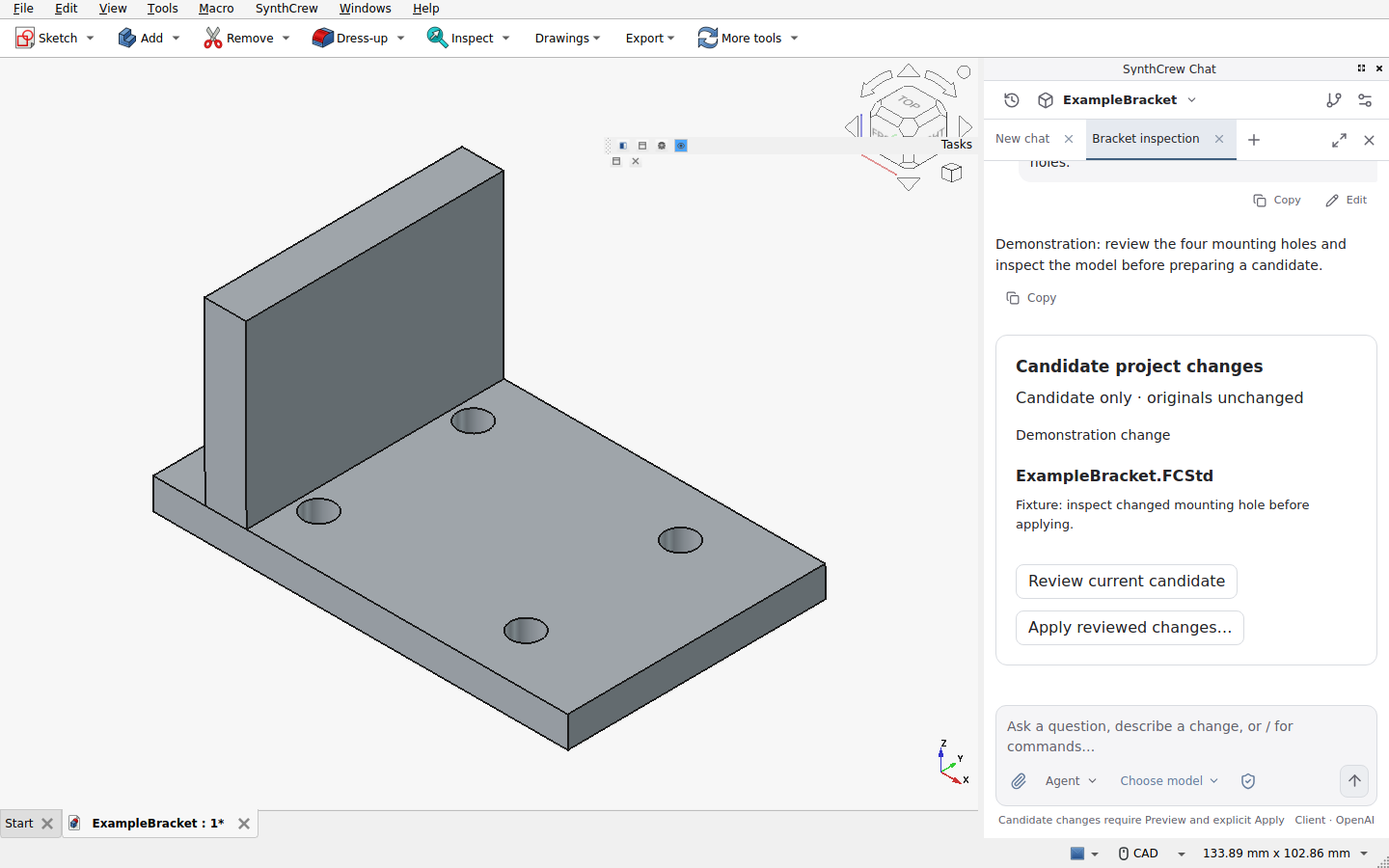
The worked inspection tutorial supplies an inspectable reference script, expected values and a repeatable checklist. It explicitly separates expected results from checks you have actually run.
Keep the model in view—or concentrate on the conversation
CAD + chat keeps the native engineering canvas beside the conversation. Focus gives the conversation the workspace. Closing chat restores CAD inspection without deleting the conversation. Tabs, history and independent drafts keep unrelated requests separate.
Recorded work is expandable. Read the purpose of a work section, inspect individual actions and distinguish planned work, candidate files and applied changes. A completed tool action does not certify the entire engineering result.
Know what your company is adopting
| Area | What to expect |
|---|---|
| Native projects | FCStd engineering documents in the desktop workspace. Back up originals before changing them. |
| Other formats | Import/export depends on the installed workbench and qualified artifact. No blanket format or workbench-automation claim is made. |
| Platforms | Windows and Linux are release targets; availability is platform- and architecture-specific. Check the actual release registry. |
| AI processing | Client uses company-managed remote AI when enabled; inference is not made local by local project storage. |
| Access | Named users, company workspace membership and connected desktop credentials are distinct controls. |
| Permissions | Full Access can reach beyond the candidate. Isolation and reviewed promotion are not a sandbox guarantee. |
| Responsibility | Verify geometry, loads, tolerances, materials and manufacturing decisions. SynthCrew does not certify design safety. |
Start with engineer onboarding, company administration, or company pricing. For a larger rollout, tell the team about your requirements.